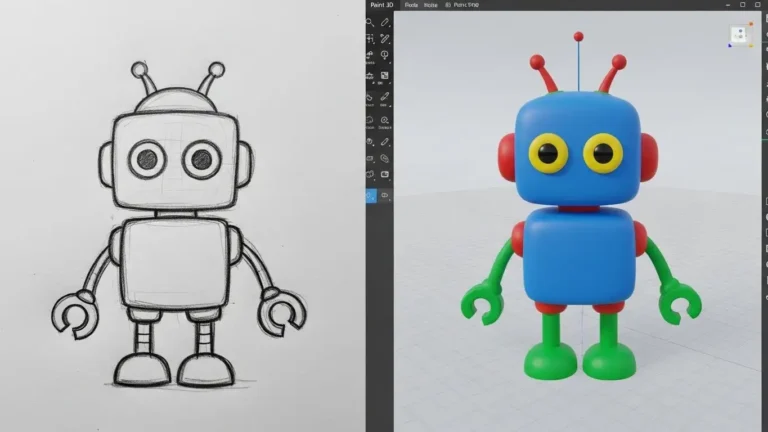
MS Paint vs Paint 3D in 2026: Why the Classic Won (And What to Use Now)
The debate over MS Paint vs Paint 3D has officially ended in 2026, and the winner might surprise you. While Microsoft spent years pushing Paint 3D as the futuristic successor to the classic raster editor, the tech giant ultimately pulled the plug on the 3D experiment, removing it from the Microsoft Store in late 2024.
If you are reading this in 2026, you likely fall into one of two camps: you still have Paint 3D installed and are clinging to its specific features, or you are wondering if the modern version of MS Paint in Windows 11 is finally good enough to replace it.
The short answer? Yes, it is.
The classic MS Paint hasn’t just survived; it has evolved. With the addition of layers, transparency, and AI-powered tools, MS Paint has effectively “eaten” the best features of its younger sibling while staying lightweight.
Here is the definitive breakdown of the current landscape for digital artists and casual editors.
The Evolution: What Happened to Paint 3D?
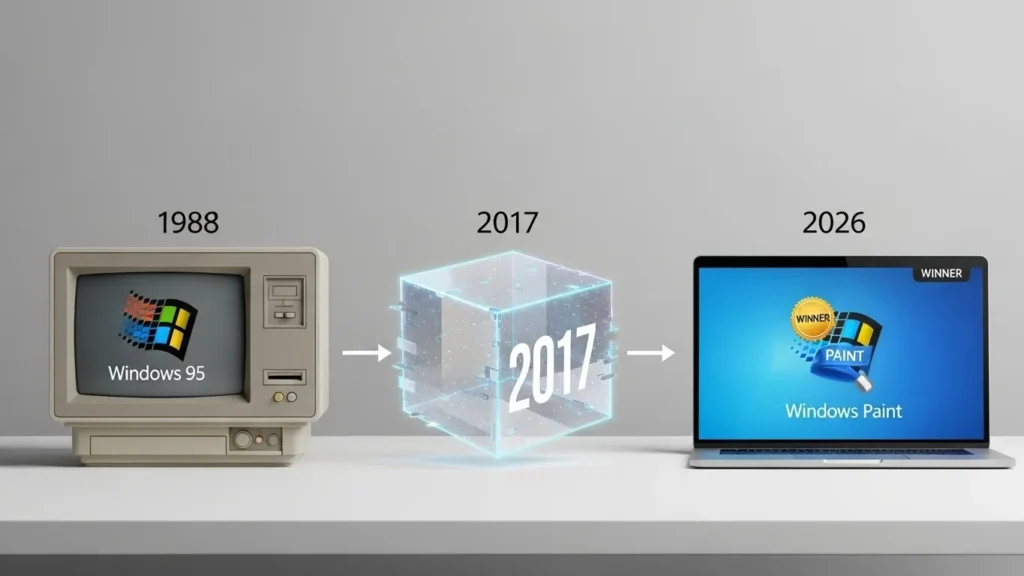
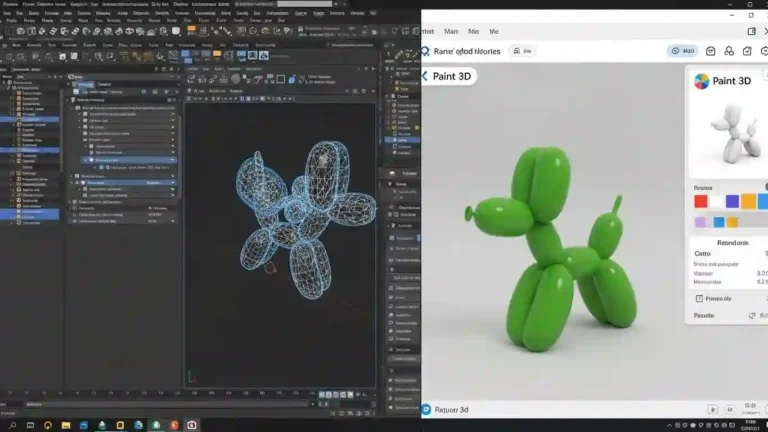
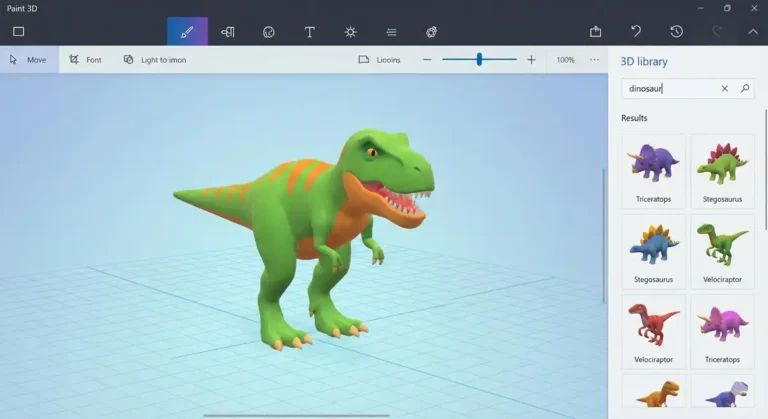
To understand the comparison, we have to look at the timeline. Paint 3D was introduced in 2017 with the Windows 10 Creators Update. It was ambitious, introducing 3D modeling primitives, a “Magic Select” tool, and a community library called Remix 3D.
Microsoft’s goal was to replace the “outdated” MS Paint. They even tried to remove the classic app, but user backlash was so severe they were forced to keep it.
Fast forward to 2026. Paint 3D is now “abandonware.” Microsoft stopped updating it and removed it from the Store. Meanwhile, the classic MS Paint received a massive overhaul in Windows 11, gaining features users had begged for over decades.
The result is a complete role reversal: MS Paint is now the modern, supported tool, while Paint 3D is the dusty legacy software.
MS Paint vs Paint 3D: The Feature Showdown
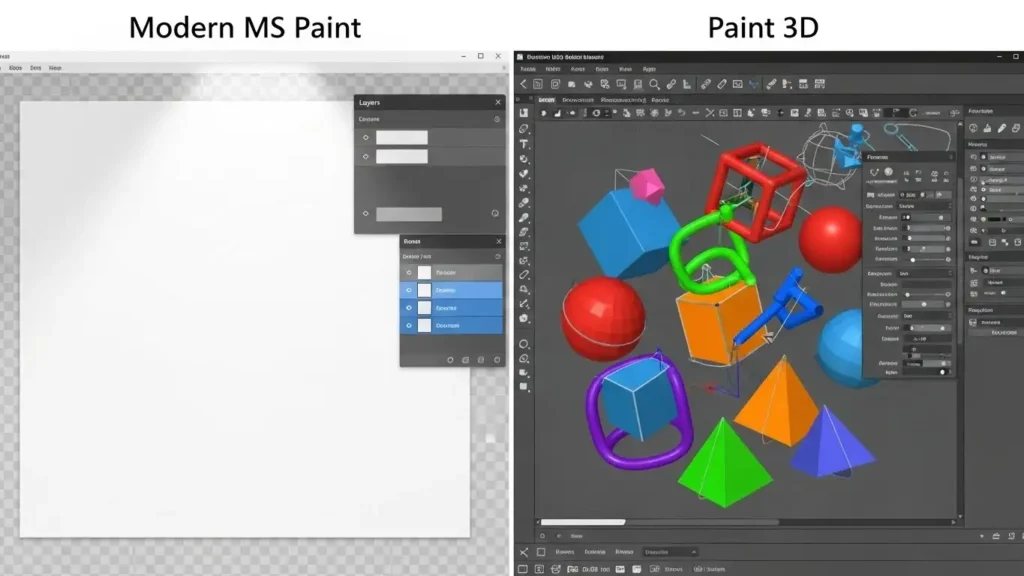
When we compare these two applications today, we aren’t just looking at 2D vs. 3D. We are looking at workflow efficiency. The biggest reason people switched to Paint 3D in the past was for layers and transparent PNG support.
Microsoft fixed that.
1. Layers and Transparency
For thirty years, MS Paint was a flat canvas. If you drew a line, it was permanent. This was the main driver for the MS Paint vs Paint 3D argument. Paint 3D allowed you to stack objects, making it easier to edit without destroying your background.
In 2026, MS Paint has full layer support. You can now:
- Add, hide, and merge layers.
- Save files as
.paint(Project files) to keep layers editable, similar to a Photoshop.PSD. - Adjust layer opacity for complex compositing.
This update effectively killed the primary use case for Paint 3D’s 2D canvas.
2. Background Removal & Magic Select
Paint 3D’s claim to fame was “Magic Select,” a tool that could pop an object out of a photo. It was clumsy but functional.
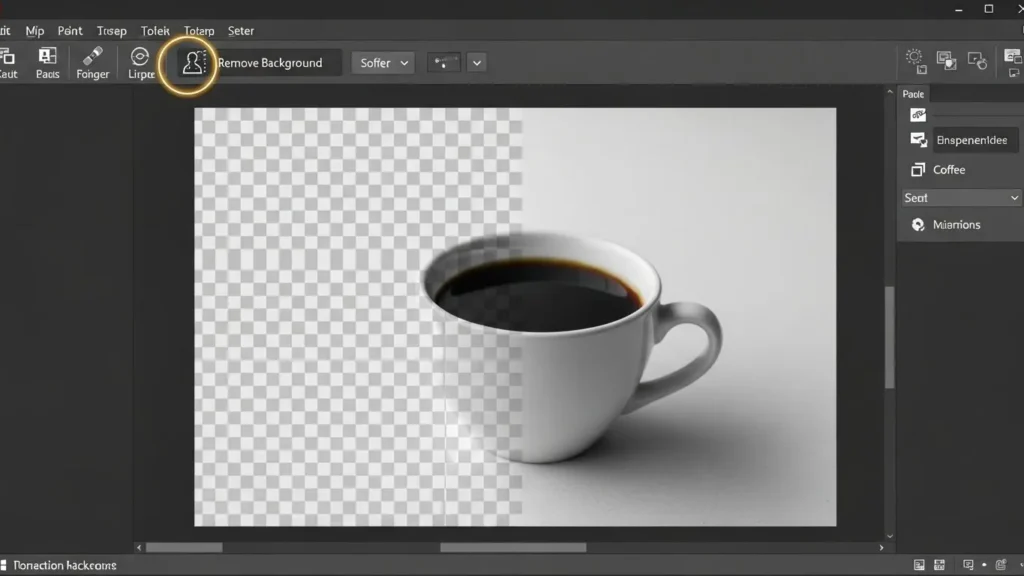
The new MS Paint blows this out of the water with AI-powered Background Removal. With a single click, the app detects the subject and erases the background, leaving you with a clean transparent layer. It is faster, sharper, and integrated directly into the toolbar.
3. The 3D Elephant in the Room
This is the one area where Paint 3D still holds the crown—technically.
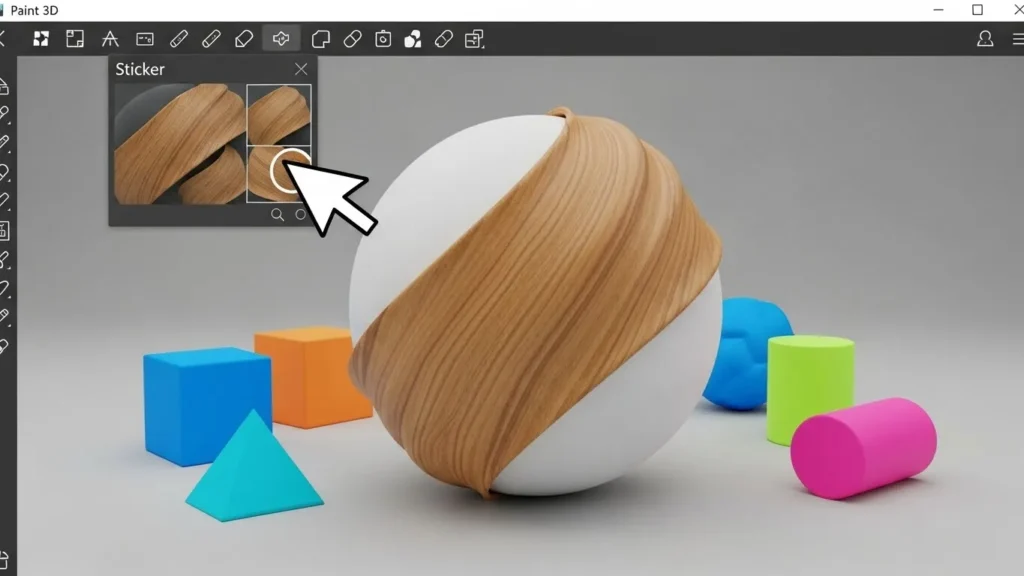
- Paint 3D: Allows you to rotate 3D primitives, apply textures to spheres, and doodle in 3D space.
- MS Paint: Strictly 2D.
However, the reality is that very few users actually used Paint 3D for 3D modeling. It was too basic for pros (who use Blender) and too confusing for casual users. If you specifically need to rotate a text block in 3D space, Paint 3D is still your only native Windows option, provided you still have it installed.
For more details on accessing the legacy tools, check out paint 3d online.
Why MS Paint Is the Superior Choice in 2026
If you are setting up a new PC today, you shouldn’t be hunting for a deprecated Paint 3D installer. Here is why the classic app is the better daily driver.
Speed and Performance
Paint 3D was heavy. It took several seconds to load, consumed significant RAM, and often felt sluggish on older laptops. MS Paint remains incredibly lightweight. It opens instantly, even with the new AI features loaded.
Cocreator: The AI Advantage
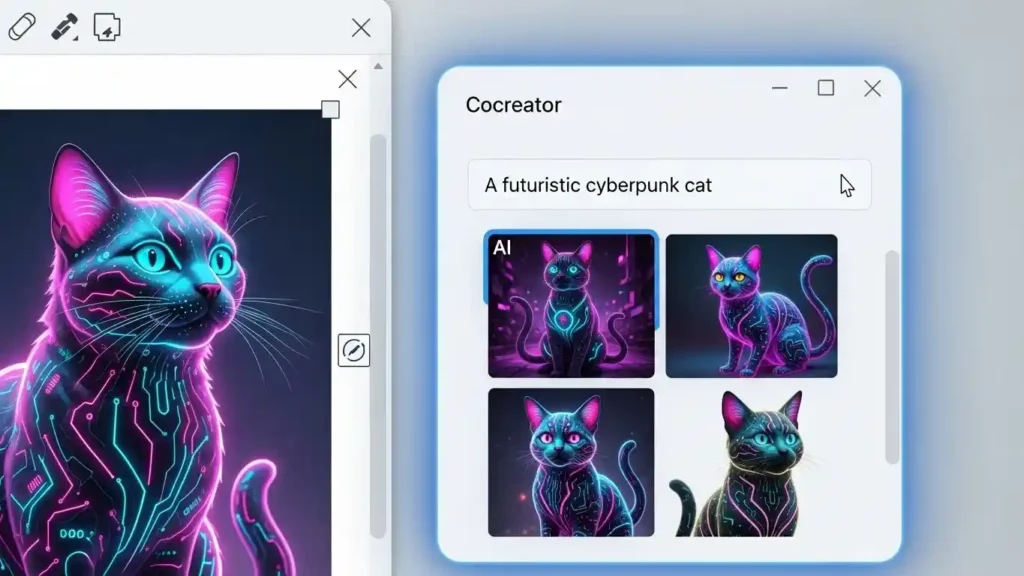
The defining feature of the MS Paint vs Paint 3D battle in the modern era is Artificial Intelligence. Paint 3D relies on 2017-era logic. MS Paint now features Cocreator (on supported PCs), which allows you to generate images from text prompts directly on your canvas.
Need a reference image of a “cyberpunk cat”? You don’t need to leave the app. You type it in, generate it, and it appears as a new layer.
Simplicity Remains King
The interface of Paint 3D was often criticized for being “touch-first” to a fault—giant buttons, hidden menus, and wasted screen real estate. The new MS Paint retains the ribbon interface veterans know, but modernizes it. It respects your muscle memory.
When Should You Stick with Paint 3D?
I’m not saying Paint 3D is useless. If you are one of the users who mastered its quirks, there are valid reasons to keep using it (if you can keep it running).
- Quick 3D Mockups: If you need to slap a 2D logo onto a 3D cube for a quick visualization, Paint 3D is still faster than learning Blender.
- Stickers: The “Sticker” tool in Paint 3D, which wraps textures around objects, is a unique feature that MS Paint hasn’t replicated yet.
- Child Education: Kids often find the 3D shapes fun to play with, even if they aren’t “professional” tools.
If you are new to the 3D workspace, you should read The Ultimate Beginner’s Guide to Microsoft Paint 3D before diving in.
Actionable Tips: Getting the Most Out of the New MS Paint
Since the shift has moved heavily toward the classic app, here is how to maximize your workflow in 2026.
- Master the Dark Mode: Your eyes will thank you. MS Paint now respects system themes, making late-night editing much easier.
- Use the .paint Format: Stop saving works-in-progress as PNGs. Use the
.paintformat to preserve your layers so you can edit text or move objects later. - Quick Transparency: Need a logo for a presentation? Open the image, click the “Remove Background” icon (a person with a slashed background), and save as PNG. It takes three seconds.
Frequently Asked Questions (FAQ)
1. Can I still download Paint 3D in 2026?
Officially, no. Microsoft removed it from the Store in November 2024. You can only get it if you find a third-party archive or if it was previously installed on your Microsoft account library, but this poses security risks.
2. Does MS Paint have layers now?
Yes! The lack of layers was the main criticism in the past, but the current version of MS Paint supports multiple layers, drag-and-drop reordering, and transparency.
3. What is the main difference in MS Paint vs Paint 3D?
The core difference in MS Paint vs Paint 3D is that MS Paint is a lightweight, layer-based raster editor focused on 2D images, while Paint 3D was a heavier tool designed for basic 3D object manipulation that is no longer supported by Microsoft.
4. Is there a free alternative to Paint 3D for 3D modeling?
Yes. If you need actual 3D capabilities, Blender is the industry standard (though it has a steep learning curve). For simpler needs, Tinkercad is a great browser-based option.
Conclusion
The war is over, and simplicity won. The battle of MS Paint vs Paint 3D ended not because one tool was perfect, but because one listened to its users.
Paint 3D tried to force a 3D revolution that nobody asked for. In contrast, MS Paint stuck to its roots—quick, accessible image editing—and eventually adopted the professional features (layers, transparency, AI) that users actually needed.
If you are still holding onto Paint 3D, it might be time to let go. The new MS Paint isn’t just a nostalgia trip; it is a genuinely capable tool for the modern workflow.
Next Step
Open MS Paint on your Windows 11 machine right now and try the “Remove Background” button. You will see exactly why you don’t need Paint 3D anymore.